


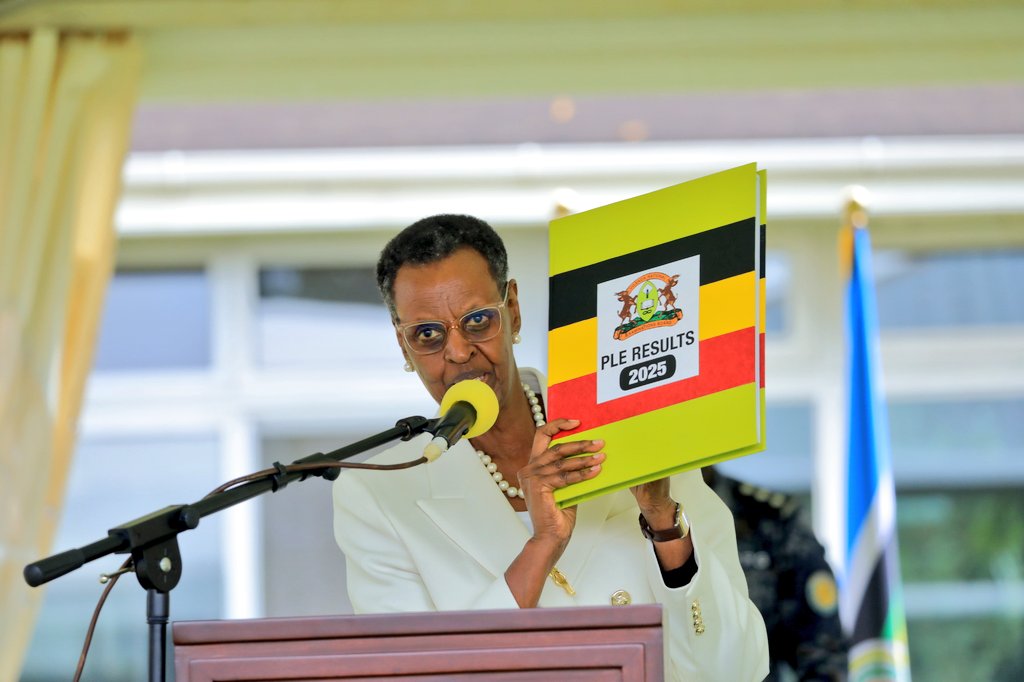
The Uganda National Examinations Board (UNEB) has officially released the 2025 Primary Leaving Examination (PLE) results.
UNEB has advised candidates and parents that the results can be easily accessed using a mobile phone through the SMS service available on MTN and Airtel networks.
Steps to Check PLE Results by Phone
1. Go to Messages on your phone
2. Type PLE
3. Leave a space
4. Enter the full index number of the candidate
5. Send the message to 6600
Example:
To check results for a candidate with index number 654321/001, type:
PLE 654321/001 and send to 6600
Each SMS costs Shs500 per candidate, and the results will be delivered instantly if the correct procedure is followed.